Clearer networks.
Calmer work.

Won Tech builds software for network monitoring, device testing and everyday office work. From a single PING to a set of meeting minutes, we aim for clear, reliable and ready out of the box.

Network Monitor

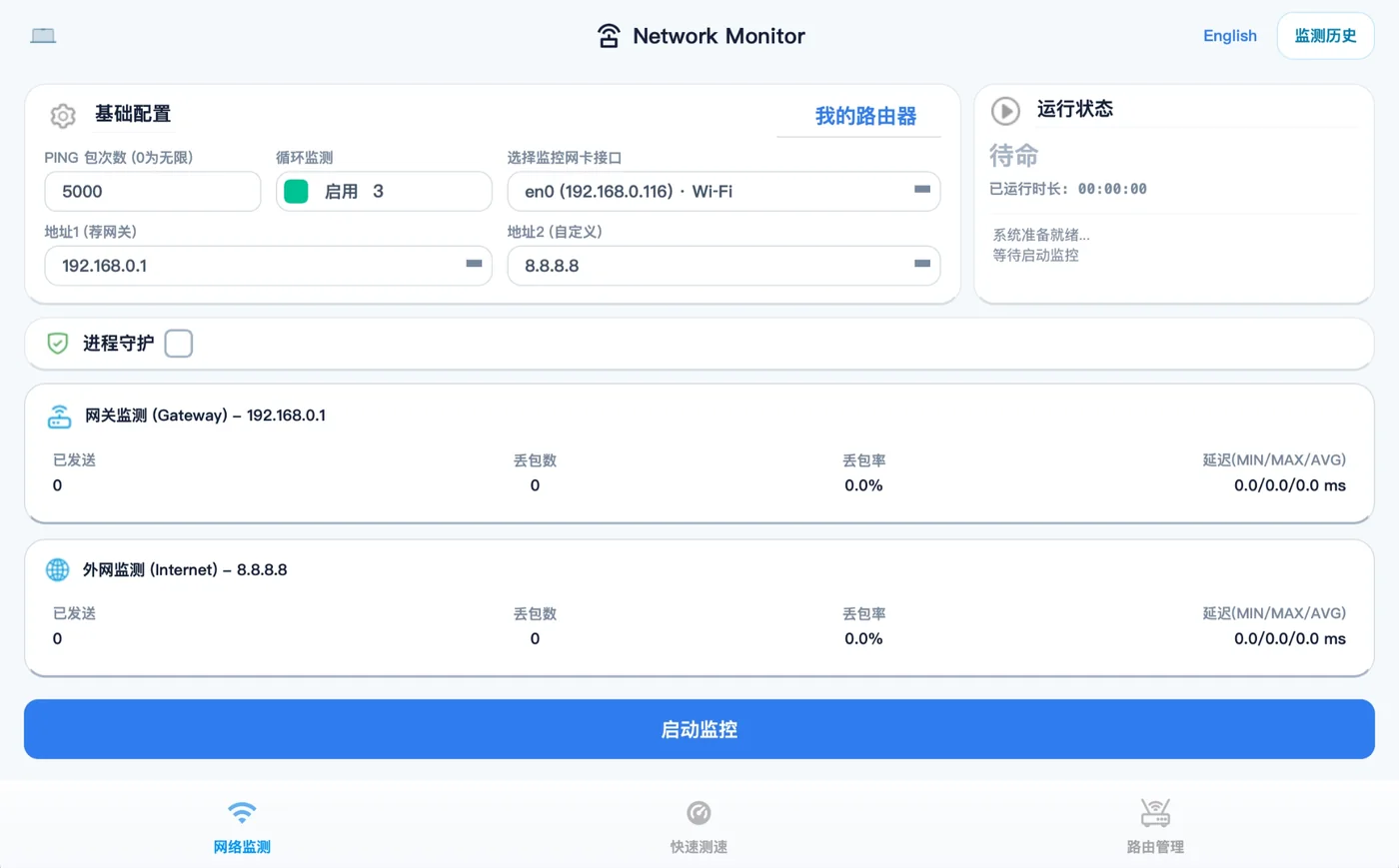
Turn network health into a curve you can see.

Millisecond PING curves, 3-level loss alerts, one-tap speed test and router access.

Visit website
CPE Auto TestCPE Auto Test

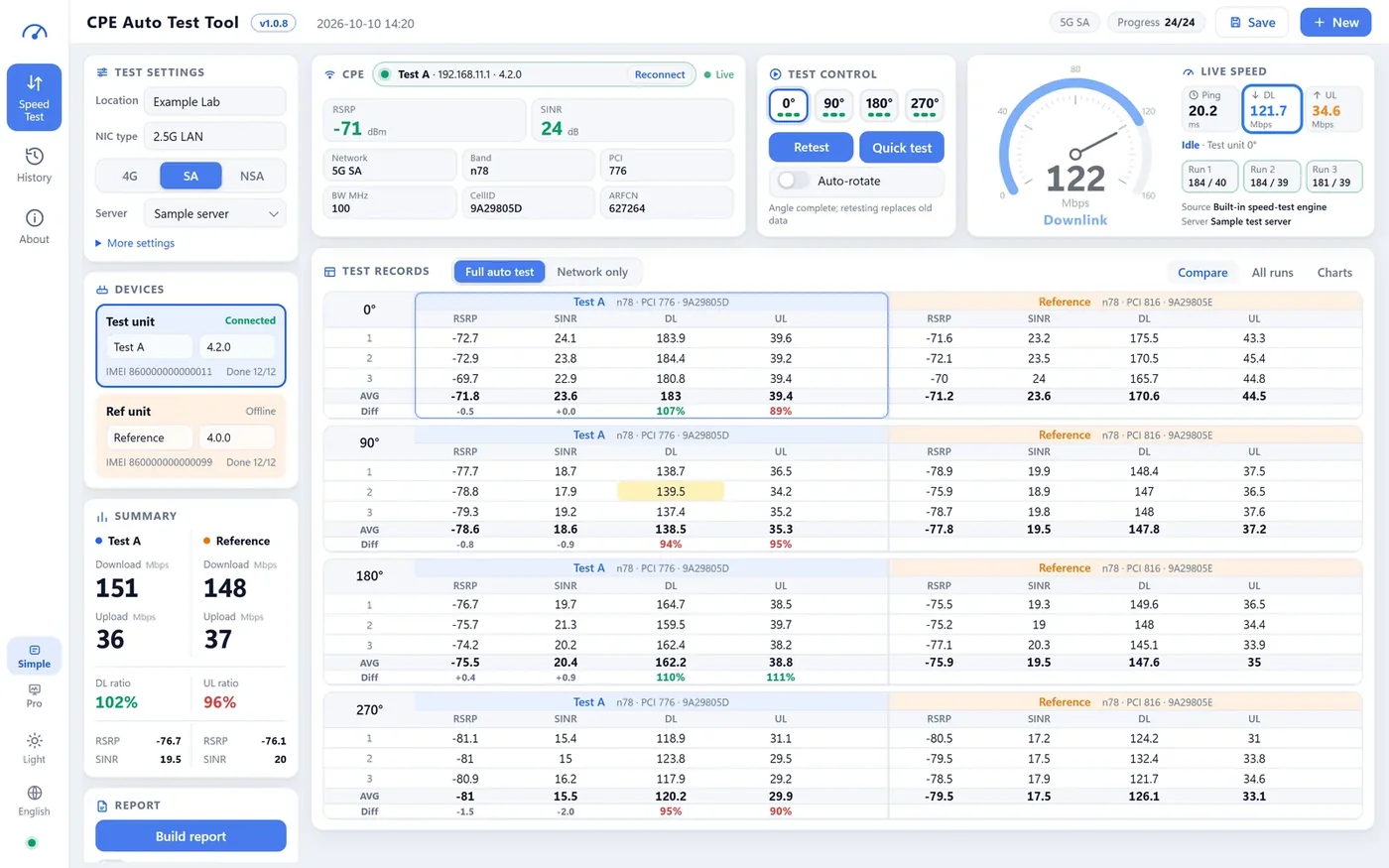
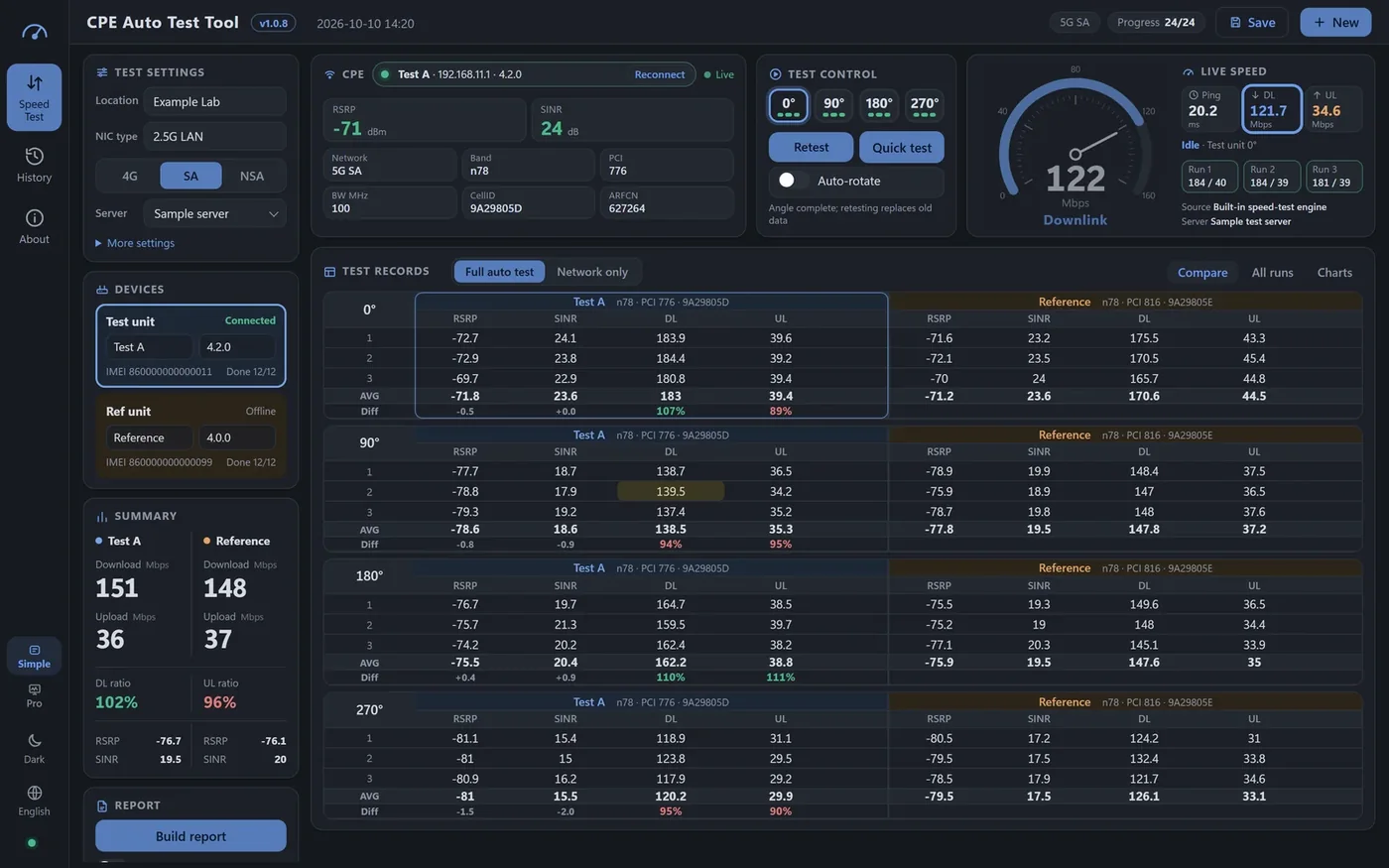
Make field comparison testing about the test — nothing else.

Signal and speed logged automatically, side-by-side by angle, Excel & PDF when you finish.

Visit website
wontech.online:8080 · Fleet overviewWonLinkFleet overviewParametersFirmwareDiagnosticsStability runsAlertsRequirementsAccountsFleet overviewSearch SN / model / IP…+ Bulk taskDevices1,284+36 this weekAvailability98.6%+0.4% vs yesterdayAlerts today32 handledUpgrading12 / 40S200 PRO · V1.2.3Availability trendlast 30 daysModel mix1,284S200 PRO58%M92 PLUS27%Other15%Device SNModelFirmwareRSRPLast informStatusWL2410A8F31S200 PROV1.2.3-71 dBm12 s agoOnlineWL2410B2C07M92 PLUSV2.0.1-84 dBm38 s agoOnlineWL2409C91E5S200 PROV1.2.2-93 dBm2 min agoWeak signalWL2410D4A19S200 PROV1.2.3-69 dBm9 s agoUpgradingWL2408E7733M92 PLUSV2.0.0—3 h agoOffline

Manage hundreds of devices as if they were one.

Bulk parameters, pre-checked firmware upgrades, remote diagnostics and stability runs in one console.

Visit website
AI Project ManagerAI Project Manager

Projects, issues and to-dos — one workbench.

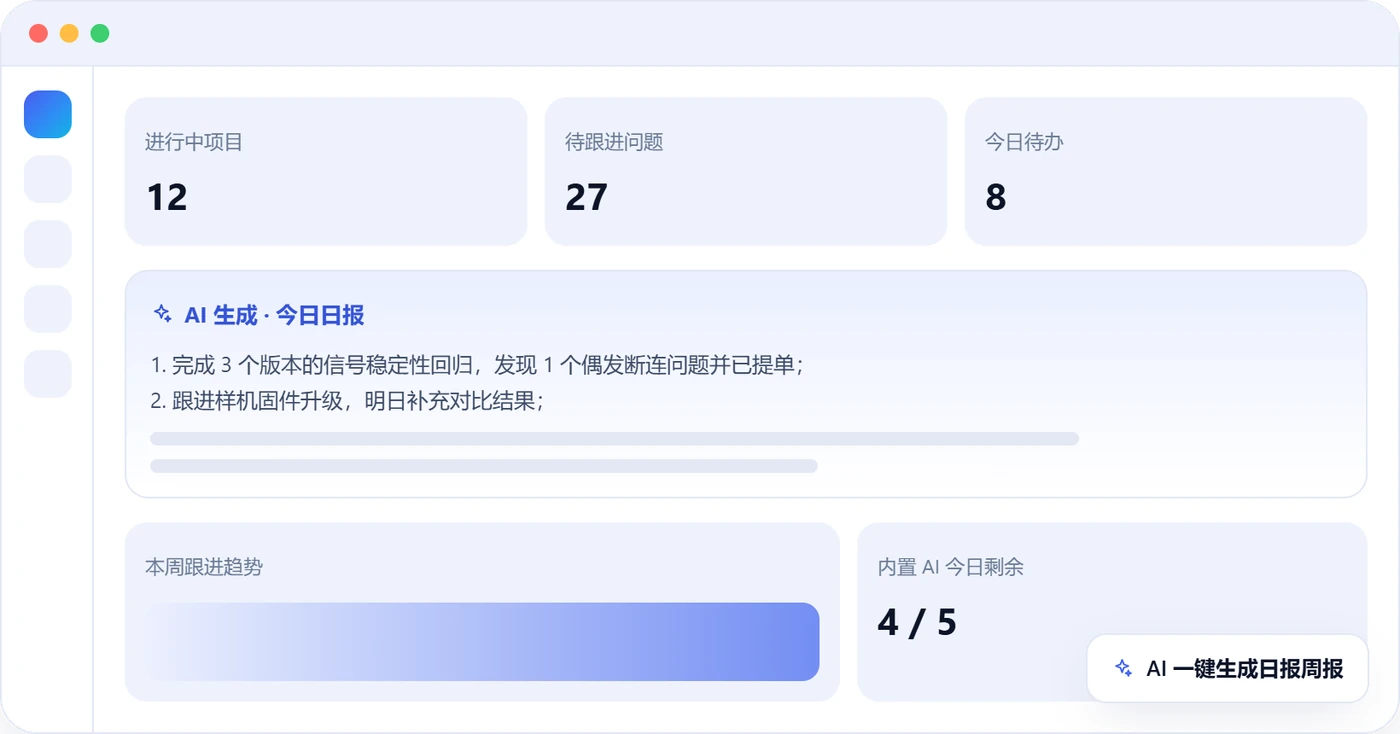
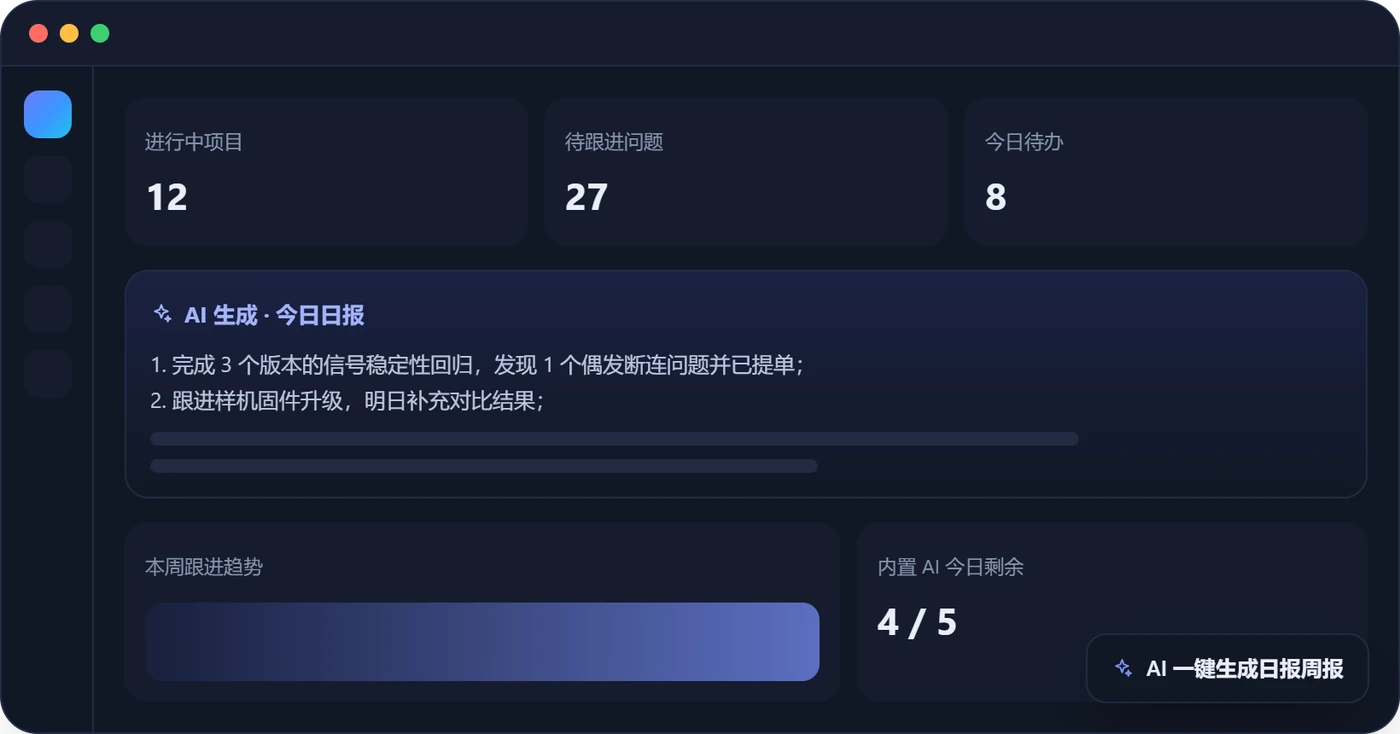
Issues, project status, follow-up to-dos and device tracking; AI daily and weekly reports in one click.

Visit website
Meeting AssistantMeeting Assistant

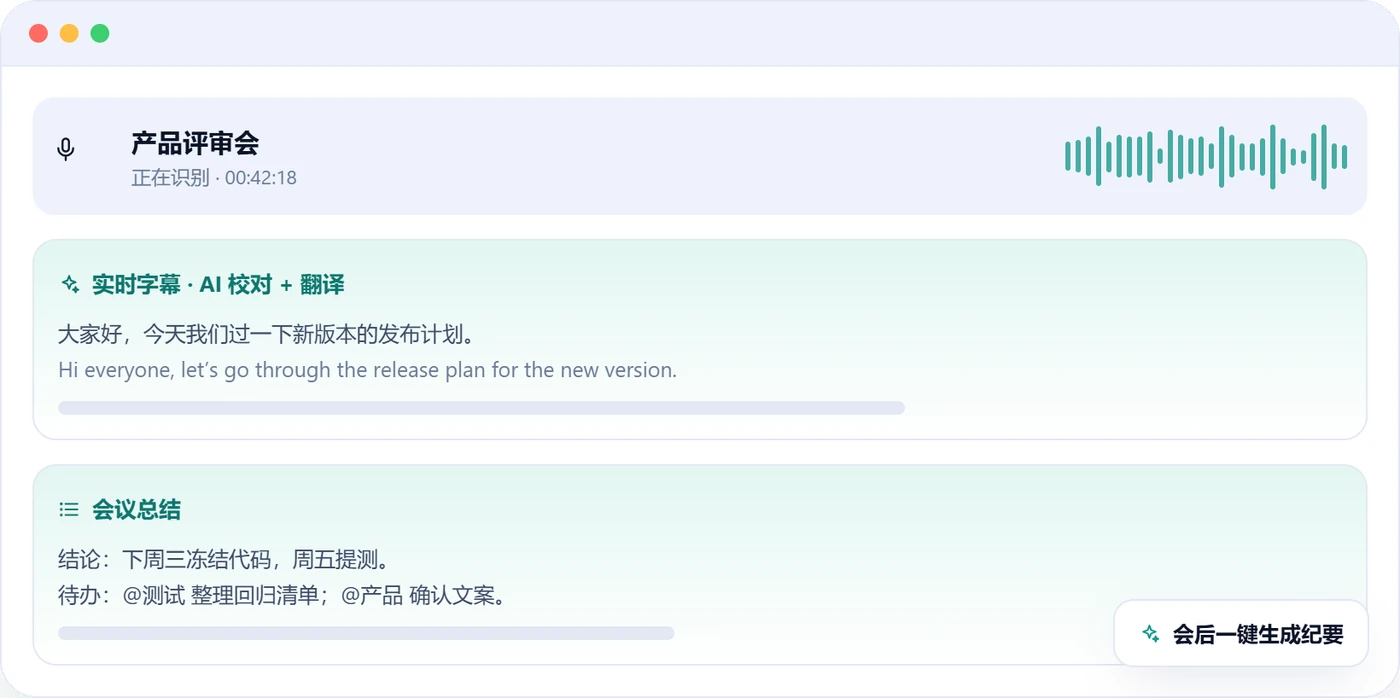
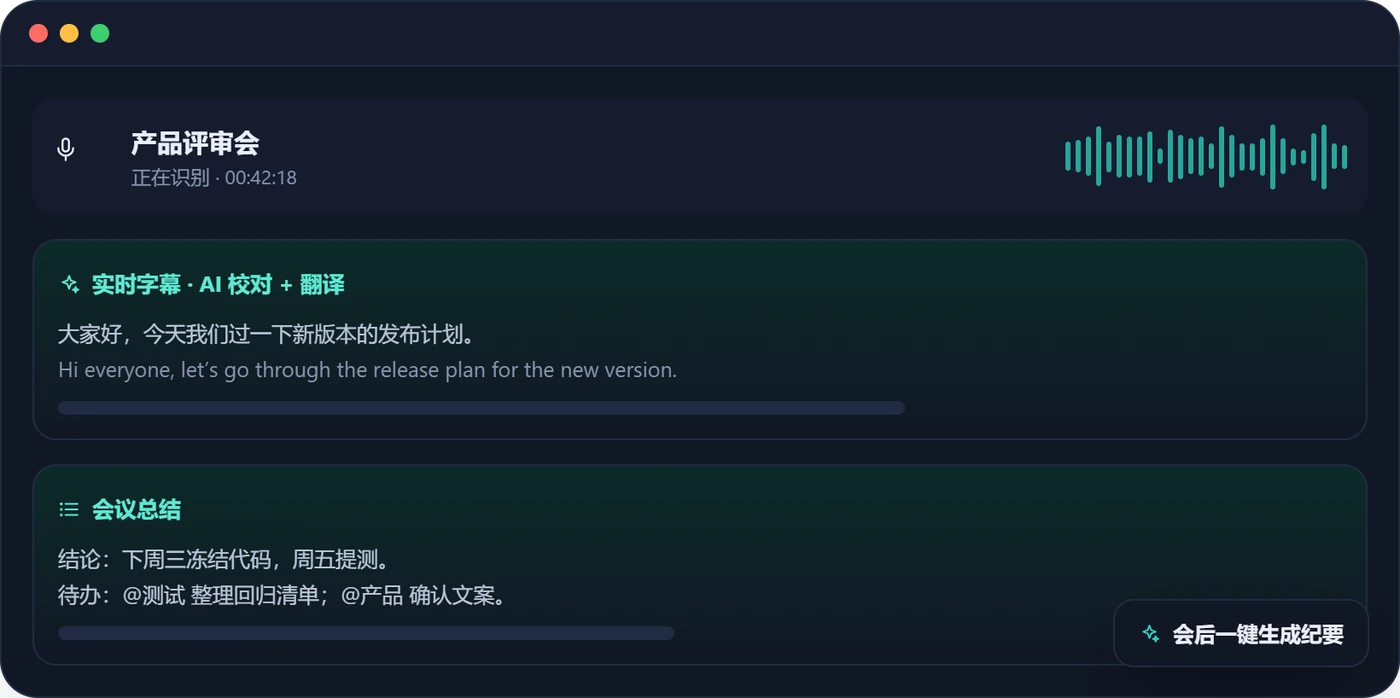
Don’t take notes. The minutes write themselves.

Records system audio and mic together, live bilingual captions, one-click minutes.

Visit website
Products

Five products, each with a job

Network monitoring, field testing, device management, project follow-up and meeting notes. Use each on its own, or combine them as needed.

Network Monitor
Network monitoringNetwork Monitor

Turn network health into a curve you can see.

Network Monitor is a cross-platform network quality monitor. It pings your targets with millisecond precision, draws latency and loss as live curves, and alerts you in tiers the moment something goes wrong. From fixing home broadband to routine network checks, one lightweight app does it.

3-level loss alertsLive latency curveSpeed test & router access
Visit website
CPE Auto TestCPE Auto Test
Field testingCPE Auto Test

Make field comparison testing about the test — nothing else.

Signal and speed logged automatically, side-by-side by angle, Excel & PDF when you finish.

Signal read automaticallyIdentical test conditionsAngle-by-angle records
Visit website
wontech.online:8080 · Fleet overviewWonLinkFleet overviewParametersFirmwareDiagnosticsStability runsAlertsRequirementsAccountsFleet overviewSearch SN / model / IP…+ Bulk taskDevices1,284+36 this weekAvailability98.6%+0.4% vs yesterdayAlerts today32 handledUpgrading12 / 40S200 PRO · V1.2.3Availability trendlast 30 daysModel mix1,284S200 PRO58%M92 PLUS27%Other15%Device SNModelFirmwareRSRPLast informStatusWL2410A8F31S200 PROV1.2.3-71 dBm12 s agoOnlineWL2410B2C07M92 PLUSV2.0.1-84 dBm38 s agoOnlineWL2409C91E5S200 PROV1.2.2-93 dBm2 min agoWeak signalWL2410D4A19S200 PROV1.2.3-69 dBm9 s agoUpgradingWL2408E7733M92 PLUSV2.0.0—3 h agoOffline
Device managementWonLink

Manage hundreds of devices as if they were one.

Bulk parameters, pre-checked firmware upgrades, remote diagnostics and stability runs in one console.

Parameter tree & data modelsFirmware managementRemote diagnostics
Visit website
AI Project ManagerAI Project Manager
Project managementAI Project Manager

Projects, issues and to-dos — one workbench.

Issues, project status, follow-up to-dos and device tracking; AI daily and weekly reports in one click.

Projects & issue follow-upTo-dos & devicesAI daily & weekly reports
Visit website
Meeting AssistantMeeting Assistant
Meeting notesMeeting Assistant (MeetingScribe)

Don’t take notes. The minutes write themselves.

Records system audio and mic together, live bilingual captions, one-click minutes.

Dual-channel recordingLive & bilingual captionsAI proofreading
Visit website
Platforms

Available on your devices

Mobile and desktop clients where each product needs them; WonLink and AI Project Manager run in the browser.

ProductWindowsmacOSAndroidiOSHarmonyOSWeb
Network Monitor●●●●●—
CPE Auto Test●●————
WonLink—————●
AI Project Manager—————●
Meeting Assistant●—————

● Available — Not yet. Web means used in the browser. Versions and downloads: see each product site.

Principles

How we build

Not everything for everyone — just the things you do every day, made to feel right one by one.

01

Start from the scene

Our products come from real needs on networks, test benches and in everyday office work — not from a feature list. Every detail exists for a concrete scene.

02

Clear data ownership

Data that can stay local stays local; where the cloud is needed, accounts, permissions and quotas are transparent. Accounts and data are independent per product.

03

Restrained design

Interfaces serve the task: fewer interruptions, fewer detours, fewer surprises. Attention goes back to the work itself.

04

Built to last

Small steps, public release notes, stability and compatibility over novelty. A release is not the end of a product.

Next

More is on the way

Won Tech keeps building. New products show up here first — and in the header of every product site.

FAQ

Frequently asked

What is Won Tech?
An independent software brand that designs, builds and runs products around network monitoring, device testing and everyday office work. There are 5 products today, with more to come.
Do the products share accounts?
No. Each product has its own account, data and service. Use one alone or combine them as needed; using one never requires signing up for another.
How do I get the products, and what do they cost?
Network Monitor has a free edition, with Plus and Pro as per-device lifetime licenses; CPE Auto Test is a lifetime device license; AI Project Manager and Meeting Assistant are free to start with higher-quota plans; WonLink is provisioned per account. See each product site for exact pricing and entitlements.
Where is my data stored?
Network Monitor history and CPE Auto Test data stay on your own device. AI Project Manager, Meeting Assistant and WonLink keep data in their own isolated services.
How do I get support or contact you?
Each product site has documentation and release notes; for licensing, trials and enterprise needs, use the Contact & Licensing page.
How do I get WonLink?
The WonLink console uses its own accounts. To get one, or to learn about self-hosting, contact the administrator.